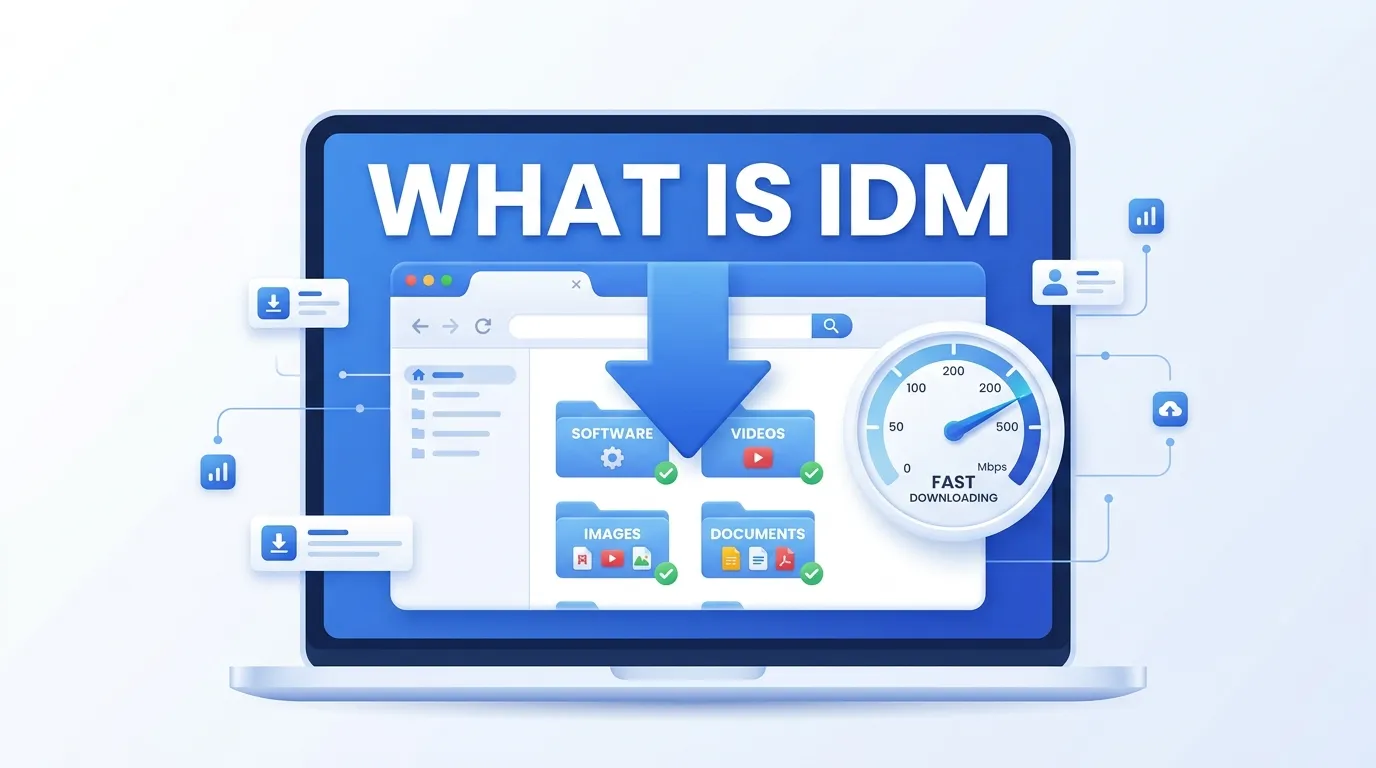
Internet Download Manager, better known as IDM, is a Windows download accelerator that can make file transfers up to 5–8 times faster than your browser alone.
It splits files into multiple parts, downloads them at the same time, and puts them back together.
If your connection drops, power goes out, or the computer restarts, IDM picks up exactly where it left off.
People who regularly grab large software, games, movies, or music files turn to IDM because browser downloads often crawl or fail.
Students, gamers, remote workers, and anyone on spotty internet feel the difference right away.
This guide explains what IDM is, how it works, its main features, real advantages, common mistakes, and practical tips so you can decide if it belongs on your PC.
How IDM Works Behind the Scenes
Most browsers open one connection to a server and pull the file in a single stream. IDM does something smarter. It uses dynamic file segmentation. Instead of deciding the number of pieces before the download starts, it watches the connection in real time and creates or adjusts segments on the fly. It also reuses existing connections instead of constantly opening new ones and logging in again.
The result is fuller use of your available bandwidth. On a solid connection the speed jump is often dramatic. On weaker or shared connections the gain is smaller but still noticeable because the tool stays stable and recovers quickly from interruptions.
IDM supports the usual protocolsHTTP, HTTPS, and FTPand works through proxies and firewalls. It also handles cookies and authentication, so protected downloads keep moving without constant manual intervention.
Key Features That Set IDM Apart
IDM has stayed popular for more than two decades because the feature set matches everyday needs:
- Multi-part acceleration that can raise speeds significantly compared with a lone browser download
- Reliable resume for interrupted transfers after network drops, power loss, or reboots
- Seamless browser integration with Chrome, Edge, Firefox, Opera, and others
- One-click video grabbing from many streaming sites, including quality choices
- Download scheduler that can start, stop, or shut down the computer at set times
- Automatic categories that sort files by type or website
- Batch downloads and multiple queues
- Built-in antivirus scanning of finished files
- Lightweight footprintusually around 11–12 MB installer and low resource use
Recent versions continue to improve video detection, including better handling of modern streaming formats so you get ready-to-play MP4 files more often.
Pros and Cons of Using IDM
| Aspect | Pros | Cons |
| Speed | Dynamic multi-part downloads often 5–8× faster | Real-world gain depends on server limits and your connection |
| Reliability | Excellent resume and error recovery | Windows only; no official Mac or Linux version |
| Convenience | Strong browser integration and video grabber | Interface looks dated compared with newer tools |
| Cost | 30-day full trial; lifetime license is one-time | Paid after trial (roughly $25–40 depending on option) |
| Features | Scheduler, queues, categories, proxy support | No built-in BitTorrent support |
IDM vs Regular Browser Downloads
| Feature | IDM | Default Browser Download |
| Download method | Multiple simultaneous segments | Single stream |
| Resume after interruption | Yes, from exact point | Often restarts or limited |
| Video download help | Built-in panel on many sites | Manual or extension needed |
| Scheduling | Full scheduler and queues | Rarely available |
| Organization | Automatic categories | Basic download folder |
| Speed control | Adjustable limits | Limited or none |
| Resource use | Lightweight dedicated app | Uses browser resources |
The table shows why many users switch once they download large files regularly. Browser tools have improved, yet they still lag in consistency and advanced control.
Who Benefits Most from IDM
Gamers downloading multi-gigabyte titles, students pulling lecture videos or software installers, content creators grabbing assets, and people on unreliable internet connections see the biggest payoff. If you mostly download small files or already use a fast fiber connection with a good free manager, the benefit shrinks. For everyone else the time savings add up fast.
Practical Tips for Getting the Most from IDM
Install the official browser extension after setup so downloads are captured automatically. Create categories for common file types so everything lands in the right folder. Use the scheduler for overnight transfers of large files so daytime bandwidth stays free. Set a reasonable connection limit if you share the network or need the computer responsive while downloading.
Keep the program updated. Newer builds improve video detection and fix site-specific issues. Always download the installer from the official internetdownloadmanager.com site to avoid modified or malware-laden copies.
Common Mistakes and How to Avoid Them
Many people install IDM then forget the browser extension, so downloads stay inside the browser. Others buy cracked versions that stop working or carry security risks. Some leave the default number of connections too high on slow networks and actually slow things down. A few ignore the scheduler and keep large downloads running during video calls.
Fix these by installing the official extension, purchasing a legitimate license after the trial, testing connection numbers, and using the built-in schedule tools.
Quick Reference Checklist for New Users
| Step | Action | Why It Matters |
| 1 | Download from official site only | Avoids malware and ensures updates |
| 2 | Install and restart browsers | Enables automatic takeover of links |
| 3 | Add the IDM browser extension | Captures videos and files reliably |
| 4 | Create download categories | Keeps files organized automatically |
| 5 | Test a medium-size file | Confirms speed and resume work |
| 6 | Set scheduler if needed | Downloads large files off-peak |
| 7 | Decide on trial or license | 30 days is enough to evaluate |
FAQs
Q: What is IDM download?
A: IDM download refers to using Internet Download Manager to speed up and manage file downloads.
Q: What is IDM identity management?
A: IDM in identity management stands for Identity Management which controls user identities and access to systems.
Q: What is IDM in trading?
A: IDM in trading often means Institutional Decision Making or an Internal Dealing Model depending on the context.
Q: What is IDM music?
A: IDM music stands for Intelligent Dance Music which is a style of experimental electronic music.
Q: What is the IDM extension?
A: The IDM extension is a browser add on that connects Internet Download Manager with web browsers for downloading files.
Q: What is IDM in medical terms?
A: IDM in medical terms commonly stands for Infant of Diabetic Mother.
Q: What is IDM in SMC?
A: IDM in SMC stands for Inducement Decision Model which traders use to identify market structure and liquidity opportunities.
Q: What is IDM in biology?
A: IDM in biology commonly stands for Infectious Disease Model which helps study how diseases spread in living populations.
Conclusion
What is IDM? It is a focused Windows download accelerator built by Tonec that uses dynamic multi-part technology, solid resume ability, and deep browser integration to make large-file transfers faster and more reliable.
For users who download software, media, or games often, the difference in daily life is real. Try the free 30-day trial from the official site, follow the checklist above, and decide whether the lifetime license fits your workflow. Faster, more dependable downloads are usually worth the small investment.
Discover More Post
- What Does KK Mean in Texting Learn the Real Meaning Fast
- What Does TF Meaning in Text Really Mean
- What Does Ly Mean Full Meaning and Examples
- What Is HMU Full Meaning and How to Use It

As Mark Twain once said, “The human race has only one really effective weapon, and that is laughter.” At Goffaws.com, we couldn’t agree more—especially when it comes to CrossFit puns and jokes. Fitness may be about strength and endurance, but a good laugh can be the best workout of all. From playful gym humor to clever word twists that would make Twain chuckle, we’re here to prove that comedy and conditioning are the perfect pair.